

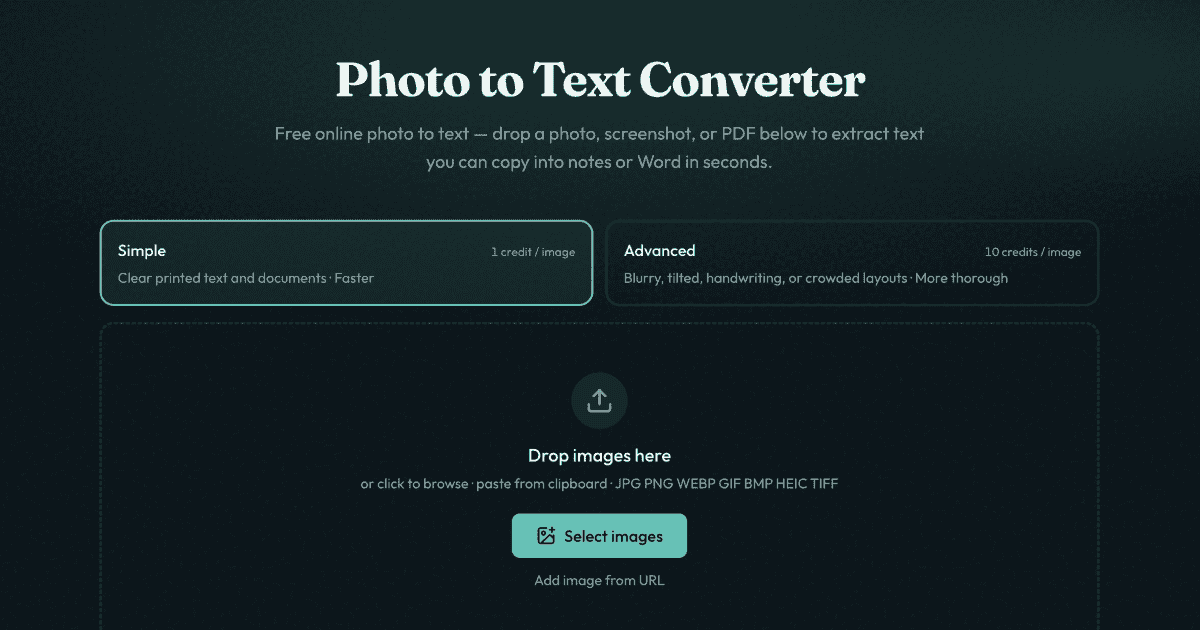
Photo to Text is a browser OCR tool that pulls editable text out of photos, screenshots and PDFs — JPG, PNG, WEBP, GIF, BMP, HEIC and TIFF are accepted — and lets you copy it or download it as DOCX, Markdown or TXT. Tables can be extracted to Excel.
It runs without an account, and guest conversions are not transmitted or stored. Two modes trade cost for accuracy: Simple (1 credit per page) for clean text, and Advanced (10 credits per page) for blurry, tilted or handwritten material.
Key Features
- Broad input — Seven image formats plus PDF.
- Editable output — Copy, or export to Word, Markdown, plain text; tables to Excel.
- Two accuracy modes — Simple for clear text, Advanced for difficult scans and handwriting.
- Privacy — No storage for guest conversions; signed-in users can delete results, which auto-clear after about 14 days.
- No signup to start — Free to try in the browser.
Who It’s For
- Students digitising notes and handouts
- Office workers extracting text and tables from scans
- Anyone who needs the text from a screenshot without retyping it
How It Works
- Drop in a photo, screenshot or PDF.
- Choose Simple or Advanced mode.
- Copy the text or download DOCX / Markdown / TXT / Excel.
Pricing
Free to start with no signup; paid credits cover Simple (1 credit/page) and Advanced (10 credits/page) conversions.