


Melies AI iconMelies AI
Seedance AI video generator in the browser: text, image and reference to video with native synced audio, multi-shot scenes, clips up to 30 seconds and 1080p, no watermark.
Notify Sound icon

Notify Sound

Notify Sound is a free app to shape custom notification sounds: layer and tune a sound yourself, or describe it to your AI assistant and let it build one.

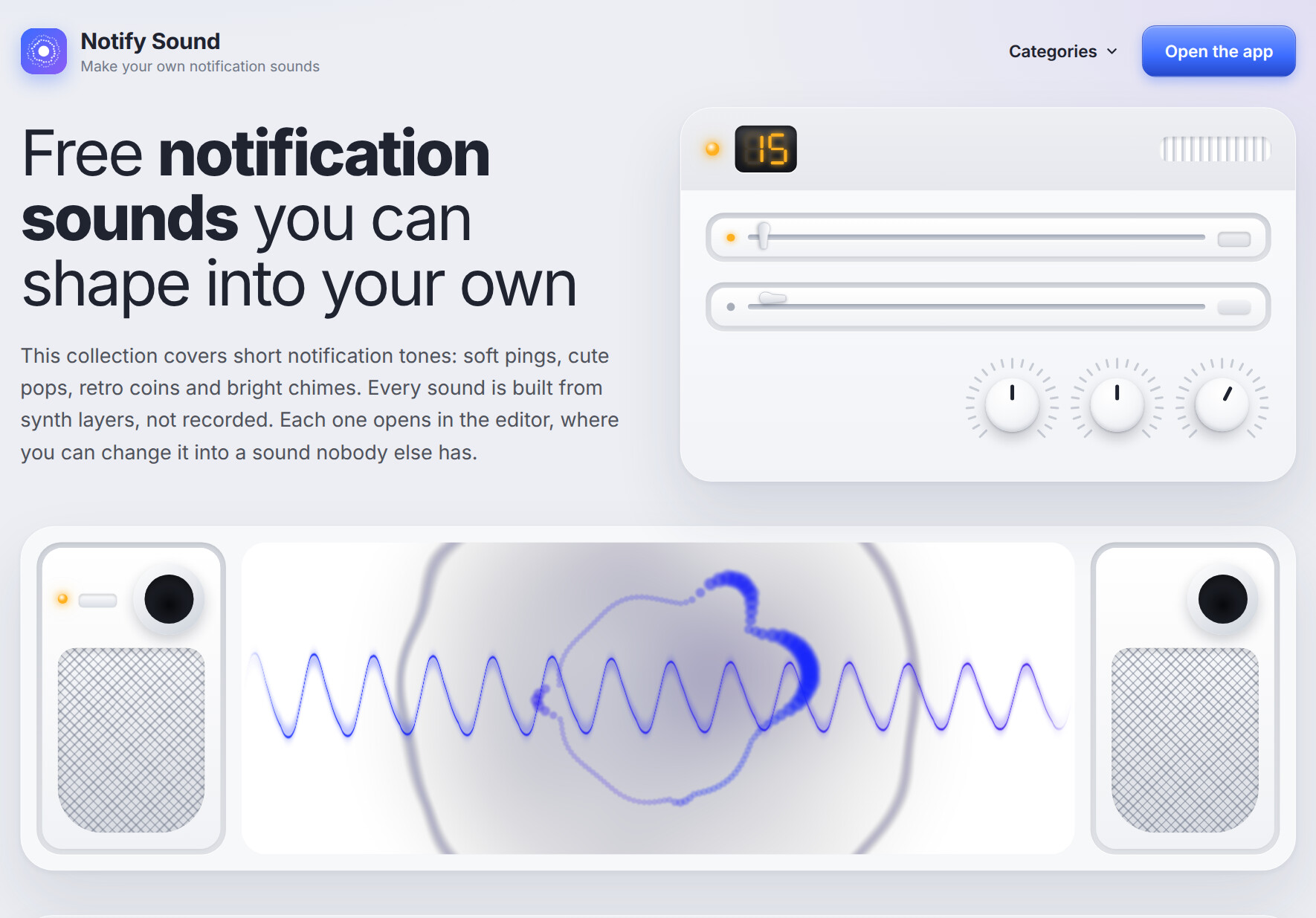
Notify Sound screenshot
audio editing content creation productivity mcp
By Harold Drake

Notify Sound at notifysound.com is a free custom notification sound maker. Start from one of 200+ ready-made sounds, or describe what you want to your AI assistant, and shape it in the editor until it sounds like nobody else’s phone.

Every sound is built from synth layers, so you can change it in real detail: soften a ping that feels too sharp, let a bell ring out longer, or give a chirp a lift at the end.

Key Features

  • 200+ ready-made sounds — Beeps, bells, chimes, dings, pops, coins, 8-bit tunes, sci-fi, nature, whooshes and text message tones.
  • Layer-based editor — Stack layers for depth: a bright layer above the main note adds sparkle, a low one adds weight.
  • Instant playback — Every change plays back immediately.
  • Space and tone controls — Add a touch of space around the sound to make it warmer.
  • AI assistant integration — An MCP server lets Claude, Claude Code, ChatGPT, Codex, Cursor and VS Code design sounds for you.
  • Share and download — Save a link to your sound or download it as MP3.
  • No account needed — Open the editor and start.

How It Works

  1. Pick a sound from the library, or ask your AI assistant for something like “a soft two-note chime”.
  2. Open it in the editor and adjust layers, pitch, length and space.
  3. Play it back until it feels right.
  4. Download the MP3 and set it as your notification sound, text tone or ringtone.

Use Cases

  • Personal notification sounds and ringtones that stand out
  • UI sounds for apps and games
  • Short sound effects for videos
  • Alerts that cut through a noisy room

Notify Sound makes it easy to create a notification sound that is actually yours, by hand or with AI.

Frequently asked questions

Is Notify Sound free?

Yes. The editor and the 200+ ready-made sounds are free, and no account is needed.

Can an AI assistant make a sound for me?

Yes. Notify Sound works as an MCP server at notifysound.com/mcp. Claude, ChatGPT, Cursor and VS Code can connect to it, design the sound layer by layer, and return a link that opens it in the editor.

What file format do I get?

Sounds download as MP3. They work as a notification sound on Android, as a ringtone or text tone on iPhone, and in apps, games and video editors.

Can I use the sounds commercially?

Yes. Sounds are shared under the CC BY 4.0 license, so you can use them anywhere, including in products you sell, as long as you credit Notify Sound.

Traffic & authority

Updated

Monthly visits
361
Oct 2026
Domain Rating
37
Checked Nov 10, 2026
Bounce rate
40%
Oct 2026
Pages per visit
1.03
Oct 2026
Time on site
0s
Oct 2026

Monthly visits · updated Nov 10, 2026

Aug: 0 0 Aug Sep: 0 0 Sep Oct: 361 361 Oct

Traffic sources · Oct 2026

  • Direct 38.2%
  • Search 30.9%
  • Referrals 11.9%
  • Social 5.8%
  • Email 3.8%
  • Display ads 3.7%
  • Affiliate 2.1%
  • AI assistants 1.6%
  • Paid search 1.2%
  • Paid social 0.8%

Top countries

  • Pakistan 57.3%
  • India 42.7%

Top search keywords

Keyword Searches/mo CPC Est. value
whoosh 41,240 $0.60 $0
whoosh sound effect 24,120 $0.76 $0
whoosh sound 2,020 $1.50 $0
woosh sound 840 $2.29 $0
n.o.w sound bell 410 — $0