


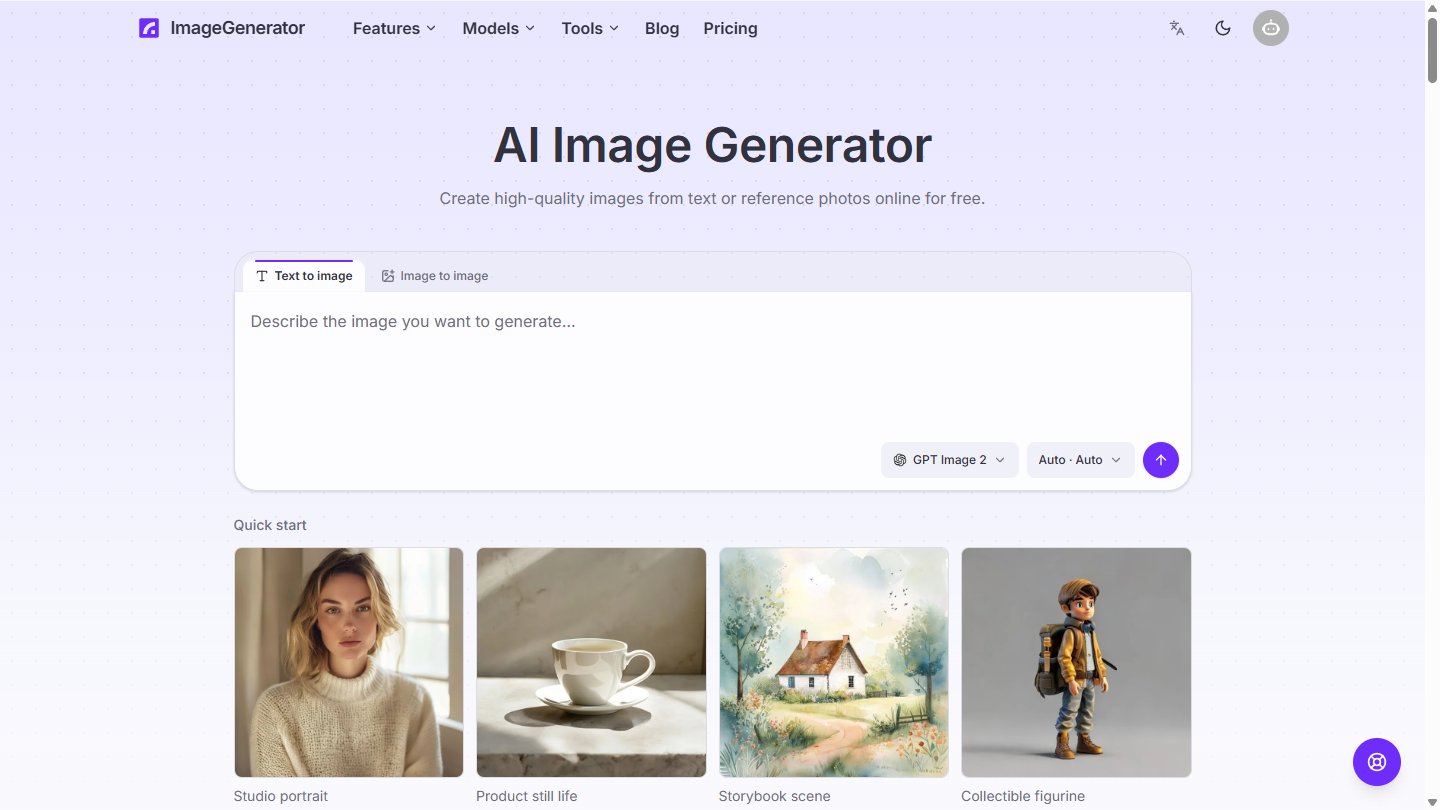
ImageGenerator at imagegenerator.app is an online AI image generator and editor with many leading models in one place. Describe an image in plain language, or upload a reference photo and change its style, setting, lighting, composition or subject. Then clean it up with built-in tools for background removal, upscaling and image expansion.
It is aimed at casual creators, designers, marketers and e-commerce teams making illustrations, product shots, posters, packaging and campaign concepts.
Key Features
- Text to image — Generate images from plain-language prompts, with quick-start presets like studio portrait, product still life and storybook scene.
- Image to image — Reference-guided editing with up to 10–14 reference images on some Seedream models.
- Multiple models — Switch between GPT Image, Seedream and Nano Banana models to compare results.
- Readable text in images — Good for posters, packaging and marketing layouts.
- Aspect ratio control — 1:1, 16:9, 9:16, 4:3, 3:4 and more, up to 4K on supported models.
- Private image library — Results saved with prompts and models for reuse.
Image Tools
- Background remover — Cut out the subject and get a transparent PNG.
- Image upscaler — Enlarge 2× or 4× without the image going soft.
- Image expand — Extend content beyond the frame into a new aspect ratio.
- Style transfer — Keep the subject and turn a photo into an illustration or another style.
How It Works
- Choose Text to Image or Image to Image and pick a model.
- Write a prompt and upload references if needed.
- Set the aspect ratio and generate.
- Refine, upscale or remove the background, then download.
Use Cases
- Product photos and e-commerce visuals
- Marketing banners, posters and packaging mockups
- Illustrations and concept art
- Quick photo edits without design software
ImageGenerator is a convenient all-in-one option when you want several top image models plus everyday editing tools in a single browser app.