


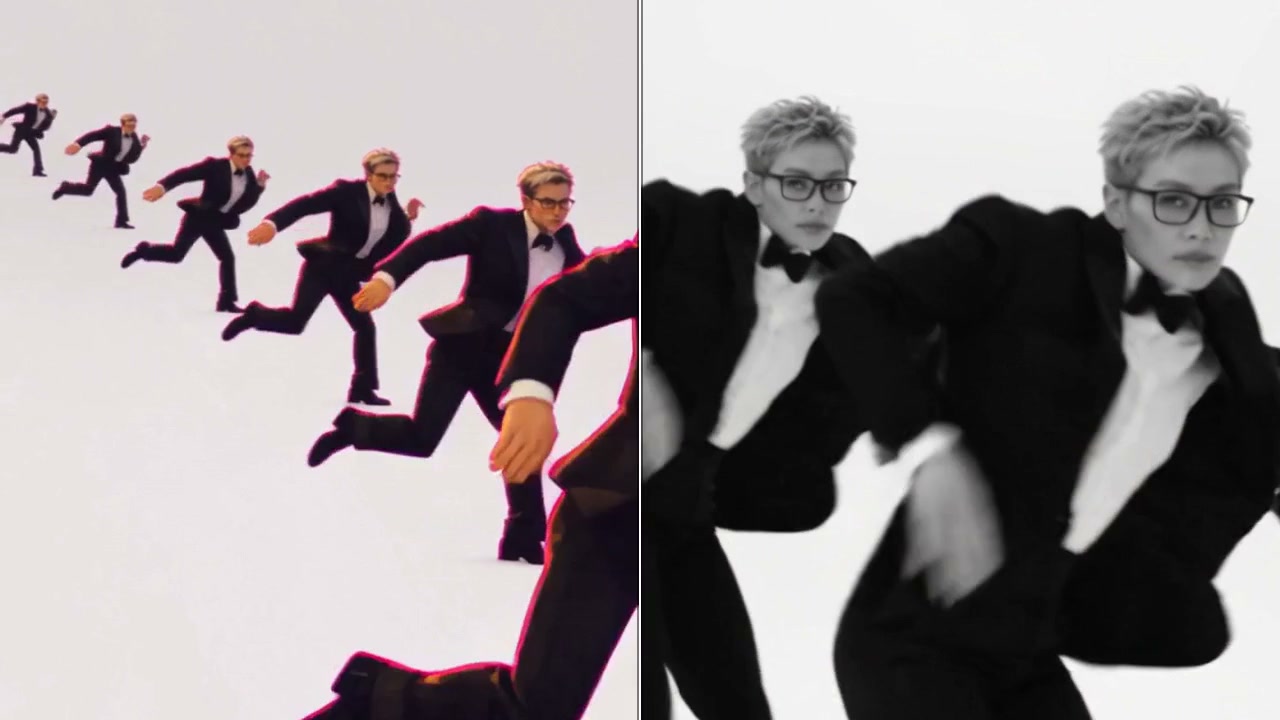
Genjutsu AI at genjutsuai.io is a video-to-video AI editor built on the Higgsfield Genjutsu model. Instead of generating a clip from scratch, it transforms footage you already have: keep the movement and change who or what is in it, or swap a single object inside the shot.
Upload a 4–30 second clip, add 1–8 reference images, describe the change, and review the credit cost before you generate. Results download as MP4.
Two Modes
- Motion Transfer — Your source video’s movement guides a new character, scene or visual look. Use it to restage a performance, dance or viral trend with a different subject.
- Object Swap — Replace a selected product, prop, outfit or character in an existing shot while keeping the surrounding scene.
Key Features
- Built-in clip editor — Trim to 4–30 seconds and crop the frame before uploading.
- 1–8 reference images — Define the appearance of the new character, product or setting.
- 480p or 720p output — Choose quality per generation.
- Cost preview — The credit quote is shown before every render.
- Community examples — Recreate trends like Hotel Lobby, Burning Bridges, Gas Station Dance and Mirror Outfit Change.
- Multilingual interface — English, Korean, Turkish, Portuguese and Spanish.
How It Works
- Choose a clip you have permission to use, then trim and crop it.
- Pick Motion Transfer or Object Swap and add reference images.
- Describe the change and choose 480p or 720p.
- Check the credit quote, generate, compare with the source and download.
Pricing
One-time credit packs, no subscription. Packs range from a Trial pack (480 credits, about 8 seconds at 480p) to larger Mini and Starter packs. Motion Transfer and Object Swap use the same rates.
Use Cases
- Recreating viral video trends with your own character
- Swapping products or outfits in ad footage
- Restyling a scene without reshooting
- Testing creative ideas on existing clips
Genjutsu AI is a good fit when you already have footage and want to change what is in it, not start from a blank prompt.