

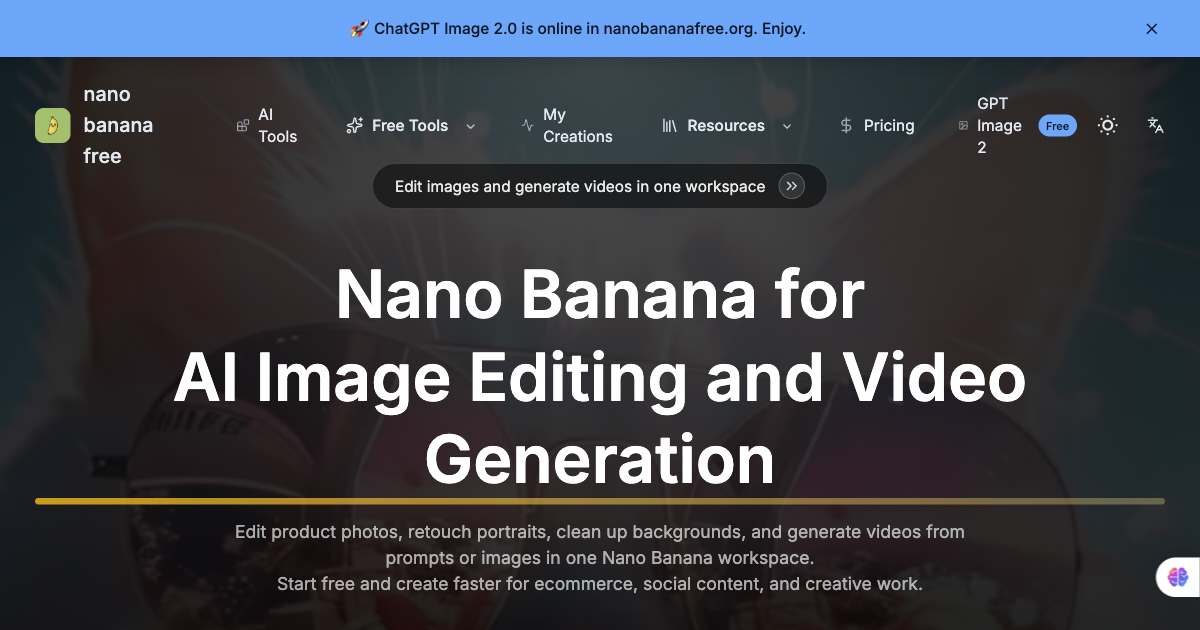
Nano Banana Free is a single workspace for editing images and generating video — “Edit product photos, retouch portraits, clean up backgrounds, and generate videos from prompts or images in one Nano Banana workspace.”
The useful part is version comparison. Nano Banana, Nano Banana 2, Nano Banana 3, and Nano Banana Pro are all available in the same workflow, so you can run a job through several versions and keep the one that handled it best — rather than guessing which model suits a given edit. GPT Image 2 is available alongside them.
Edits are described in plain language rather than masked by hand. Localized changes, background cleanup and replacement, canvas expansion for banners and thumbnails, and portrait retouching all work from a text instruction, with identity and style held steady across revisions.
Key Features
- Version comparison — Nano Banana, 2, 3, and Pro side by side in one workflow.
- Prompt-based retouching — Portrait edits without manual masking.
- Consistent subjects across revisions — Facial identity and style stay put between passes.
- Canvas expansion — Widen an image for banners and thumbnails.
- Background cleanup and replacement — Described in plain language.
- Video generation — From prompts or from an image, in the same workspace.
Who It’s For
Ecommerce teams, social content creators, and creative work that needs daily photo editing and video output — the kind of volume where switching between separate tools costs more than the edits do.
How It Works
- Upload the source image.
- Select the model version suited to the task.
- Describe the edit in plain language.
- Export for product pages, ads, or social posts.
A free tier gives access to multiple versions, with premium tiers above it.