

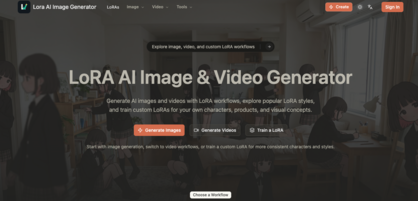
Lora AI is an image and video generator built around LoRA workflows — the goal being repeatable output rather than one-off images. You can start from a prompt, guide the result with reference photos, pull a model from the LoRA directory, or train a custom LoRA when prompts alone cannot hold an identity or style steady.
The LoRA model directory is the entry point most users take first. Each entry lists its base model (Flux.1 D, SDXL 1.0, Qwen Image, and others), its trigger word, an example prompt, recommended scale and aspect ratio, and sample results — so you know what a LoRA does before you spend credits on it.
Custom training runs on a Wan 2.2 video-compatible workflow built from a focused image dataset, and the site publishes an Anima LoRA training guide comparing Anima Base compatibility against that online training path.
Key Features
- LoRA model directory — Curated models with base model, trigger words, prompts, and example results.
- Text-to-image and image-to-image — Generate from scratch or steer from a reference photo.
- Video generation — Text-to-video, image-to-video, and video-to-video workflows.
- Custom LoRA training — Train a reusable LoRA on a Wan 2.2-compatible workflow.
- Image upscaler — AI-guided sharpening, detail recovery, and cleaner textures.
- Publishing formats — Square posts, vertical stories, wide banners, product listings, editorial layouts.
Use Cases
- Consistent characters — Same face and identity across scenes, poses, outfits, and styles.
- AI influencers — A reusable model identity for social posts and brand campaigns.
- Style LoRAs — One repeatable look across portraits, posters, illustrations, and concept art.
- Product photos — Campaign images that keep product shape, material, and identity stable.
- AI fashion models — Virtual models, lookbooks, and outfit ads.
- Video character consistency — The same character across AI short dramas and multi-shot content.
How It Works
- Write the prompt — subject, scene, lighting, camera style, colors, target format.
- Add references when the result should follow a source image.
- Generate variants, compare outputs, and adjust the wording.
- Save and reuse the prompts that worked, or train a LoRA when you need the same look every time.
Free signup credits let you test text-to-image and reference-image workflows before paying; the pricing page breaks down image generation, video generation, and LoRA training credit usage separately.